

By: [email protected]
Published February 21, 2025 at 05:07 AM
Obsidian - Self Host Your Own Wiki
Ever thought the world needed more of your thoughts? Well it's your lucky day!
Obsidian - Self Host Your Own Wiki
Update (October 2026): A reader hit a few first-run errors with the workflow in this post, so I fixed it. If your build failed, this is why: -
cp: cannot stat '.overrides': the workflow copies an.overridesfolder. Either create one (add a blank.gitkeepfile inside, since git ignores empty folders) or use the updatedcp -r .overrides .site_content/ || true. -No such fileforpreprocess_dataviews.py: put that script in a.scripts/folder in your vault. - Permission error on the last step: in GitHub go to Settings > Actions > General > Workflow permissions and choose "Read and write".The
deploy.yml,mkdocs.yml.basicandpreprocess_dataviews.pyin the repo are all updated.
Introduction
Anyone who follows this blog knows my obsession for notes - specifically via Obsidian.
As someone who keeps extensive travel notes and other documentation in Obsidian, I wanted a way to share select notes publicly.
Obsidian offers this via Obsidian Publish, however, for $100/year, I thought it could be a bit more flexible.
I explored some alternatives and think I found a nice free solution worth sharing.
My final product if you want to see my public notes is available at dan1229.github.io/obsidian-dans-notes
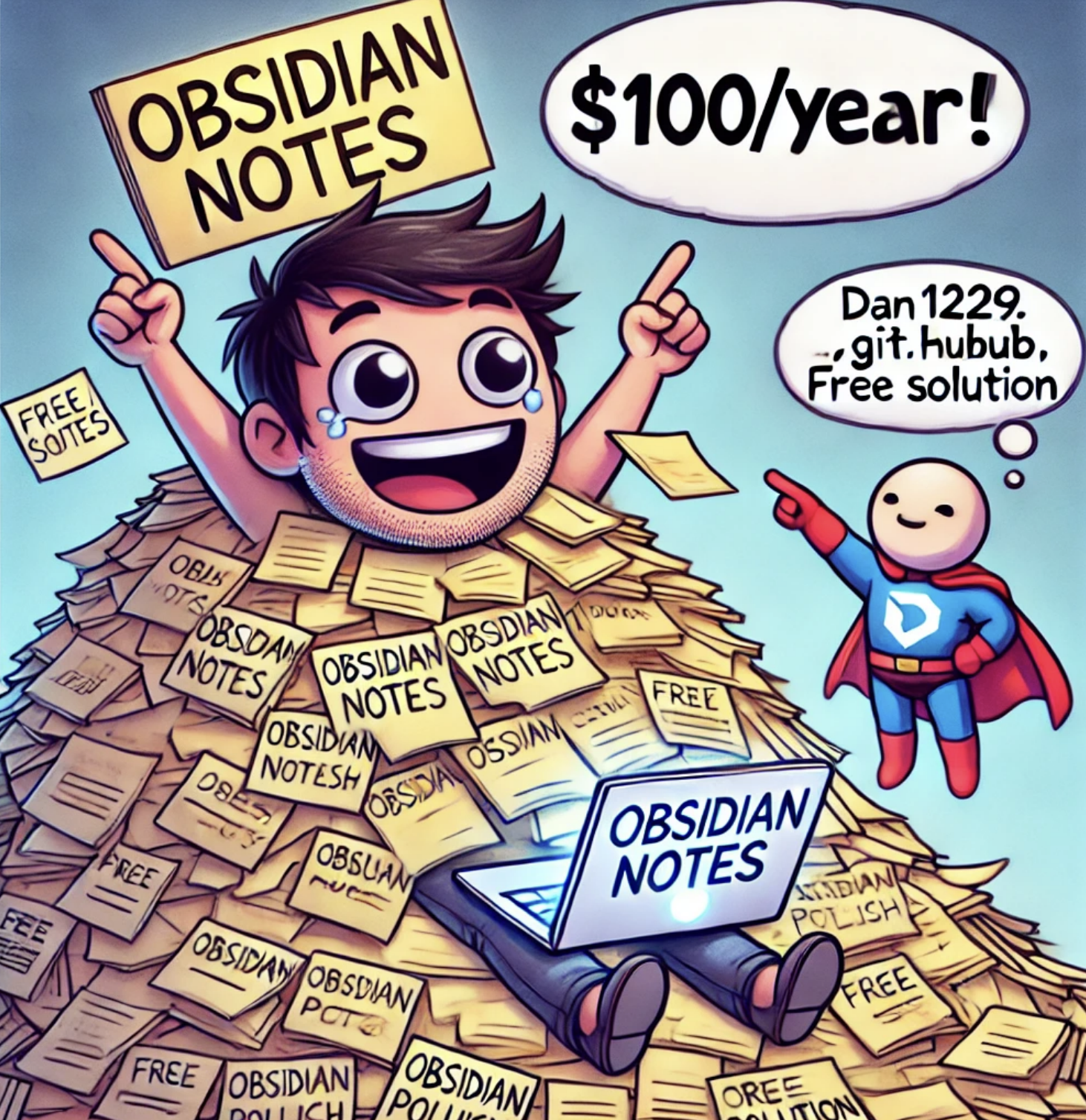
The Solution: MkDocs + GitHub Pages
The way I do this is pretty particular to my workflow, as my obsidian vault is in a GitHub repo. Check this post if you're interested in the details on how to do that.
One of the benefits of this is you can easily use GitHub Actions or any CI process to run code over your vault. While this may not sound too exciting, it enables a ton.
"Obsidian Actions" as I call them in this post can be super useful to really automating your notes and improving your workflow.
How Do I Do This Though?
Here's how to set up your own self-hosted Obsidian wiki:
- Repository Setup
- Create a GitHub repository for your Obsidian vault.
- Figure out a way to distinguish which should be publish.
- I found it easiest to use a tag (like
#publish-me) to mark which notes should be public.
- I found it easiest to use a tag (like
- Set up GitHub Pages to actually host your site.
- It doesn't need to be GH Pages, you can use any static site host you want, this is just free and easy.
- Install MkDocs
- Install MkDocs and the Material theme for a clean, modern look
- Create a basic
mkdocs.ymlconfiguration file:
site_name: Your Site Name
site_url: https://yourusername.github.io/your-repo-name
site_author: Your Name
site_description: A description of your site
Full disclosure, mine is a lot more complex than this to just pretty it up a lot more - here's said file.
- GitHub Actions Automation
- Set up a workflow to:
- Find files tagged for publishing
- Copy them to a docs folder
- Build and deploy to GitHub Pages
- I added an 'exclusion list' to prevent some super sensitive files from ever being published even by accident
- Changes automatically deploy when you push to main
- Make sure the workflow has permission to write to your repo (Settings > Actions > General > Workflow permissions > "Read and write")
- Create the
.overridesand.scriptsfolders the workflow expects (see the update at the top)
View my full CD file here.
Pro Tips
Some tips I found useful:
- Add custom CSS/JS in
.overridesdirectory - Customize the homepage with
index.md - Configure the theme and navigation in
mkdocs.yml- I am using the Material Theme - Be sure to read the MkDocs Documentation - there were definitely some little things around formatting and processing Obsidian links that I had to figure out.
- Checkout this
preprocess_dataviews.pyto see what I mean. You'll notice we run this in the CD file before deploying.
- Checkout this
Pros and Cons
Overall, I'm pretty happy with this. It's simple, hasn't broken on me yet and I definitely love sending people the links!
Overall some thoughts:
Pros
- Completely free
- Easy setup if your vault is already in GitHub
- Automated publishing workflow
- Clean, professional appearance
- Full control over the setup
- Completely customizable
Cons
- No page-level permissions (everything public or private)
- Site-wide password protection only
- Less polished than Obsidian Publish
- Manual setup required / it could break at any time (as with anything but particularly self-hosted things of course)
Obsidian Publish Comparison
As I said, many reading this are probably comparing it to Obsidian Publish.
I won't lie it worked pretty well I was definitely impressed and goes without saying required close to zero fiddling - you don't need to worry about processing Obsidian syntax or adding a #publish-me or anything like that.
That said, as I mentioned, it didn't meet all my needs, specifically:
- Expensive (over $100/year)
- No granular access controls
- Limited password protection options
- Better for individual users than teams
The astute among you will notice this is a similar list of gripes to my solution. This is true! They're almost identical because the products are pretty close.
Which I guess summarizes my take - Obsidian Publish is great and cool, but almost entirely replicable on your own. Unless you really don't want to mess with self-hosting, I'd definitely recommend at least trying.
Worth noting too this option is much more customizable than Obsidian Publish.

Conclusion
And that's about it! As I said, I think if you're interested in Obsidian Publish I would definitely try this out first and see if you can get away with it for free.
Particularly a great fit if:
- You're comfortable with basic Git operations
- Your notes are already in a GitHub repository
- You want full control over the hosting and setup
- You don't need granular access controls
Overall I like it, I'll be honest I use it less than I expected but I have found nice niches - travel, recipes, research and some more.
The setup takes a bit more work than Obsidian Publish, but the result is a professional-looking wiki that you can maintain for free and even customize a bit.
Hope you enjoyed this thanks for reading!
Resources
Comments
No comments available :/
Leave your thoughts! 💭
Tags
Obsidian
Self Hosting
Tips and Tricks

Version Unavailable
/
unavailable
Copyright 2026 © Naztech Inc. and Daniel Nazarian